

In Menace Voice, what you see as an agent in the dashboard is called a workflow in the API. They are the same thing — a workflow is the underlying definition, agent is the product name for it.
Anywhere the API says workflow, think "agent". Anywhere the API says workflow_definition, think "the conversation logic inside your agent".
The graph model#
A workflow is a directed graph — a set of nodes connected by edges.
Nodes are the steps in the conversation. Each node has a prompt that tells the LLM what to say and do at that point.
Edges are the transitions between nodes. Each edge has a condition — a natural language description of when to move on. The LLM evaluates whether the condition has been met based on the conversation so far.
Node types#
| Type | What it does |
|---|---|
startCall | Entry point for telephony calls. The first thing the agent says when a call connects |
agentNode | An LLM-powered conversation step. The core building block |
globalNode | Defines instructions that apply across all agent nodes (e.g. tone, language, fallback behaviour) |
endCall | Terminates the call |
trigger | Configures API-triggered outbound calls |
webhook | Sends configured post-call data asynchronously after completion |
qa | Runs automated quality analysis on the completed call |
Edges and transitions#
An edge connects two nodes and fires when its condition is satisfied:
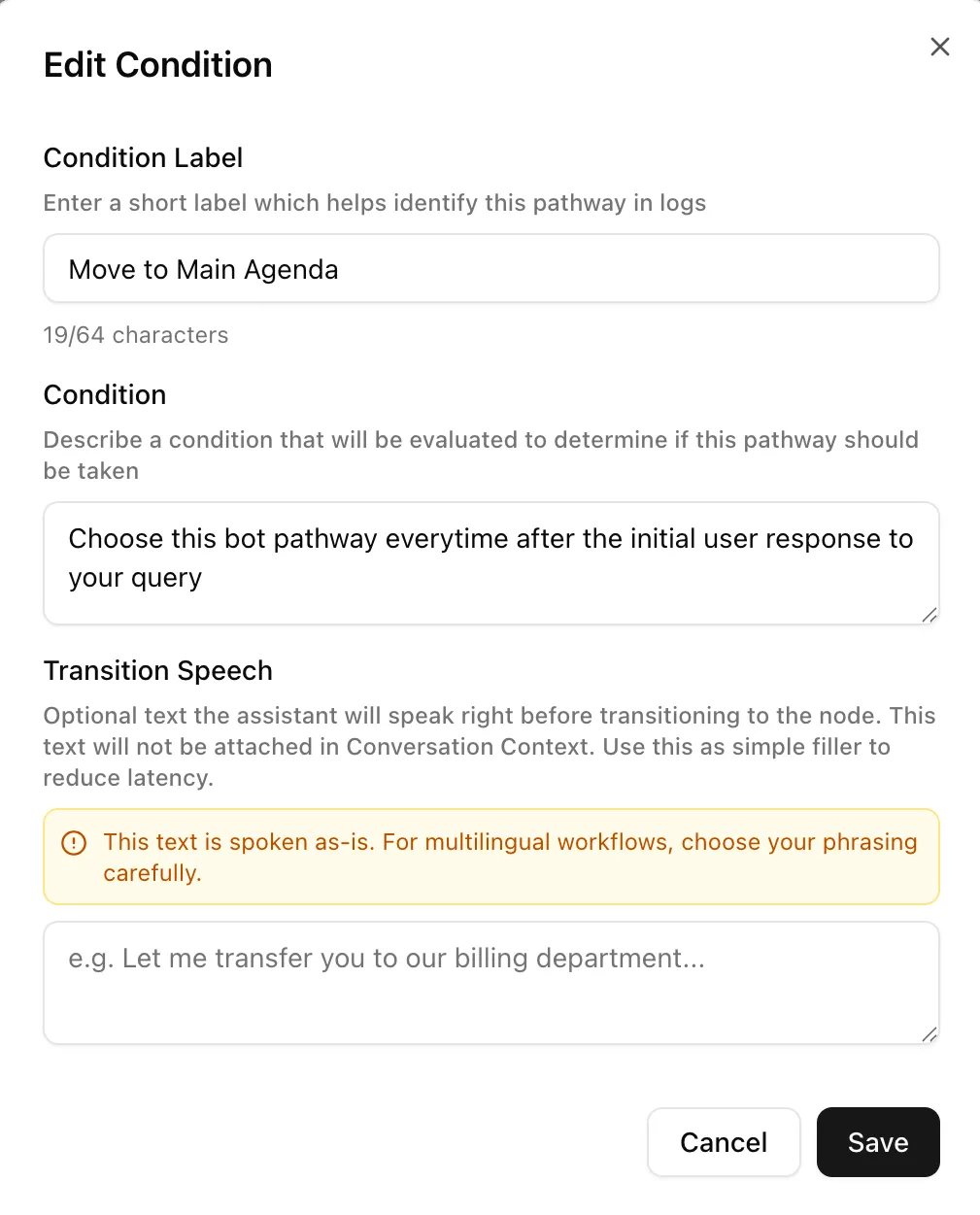
transition_speech is optional — if set, the agent speaks it before moving to the next node.
Versioning#
Editing an existing workflow saves a draft while the published definition continues serving production traffic. Editor tests and test trigger URLs can use the draft. Publish the reviewed draft to release it, and use the run's definition ID to identify what executed. Creating a new workflow through the API or workspace MCP stores its initial published version. See drafts, versions, and publishing.
Creating workflows#
There are two ways to create a workflow via the API:
- From a definition — provide the full node/edge graph yourself. Best for programmatic generation.
- From a template — describe the use case in natural language and Menace Voice generates the initial graph using an LLM. Best for getting started quickly.
See the Workflow Definition Schema for the full field reference.